What wiring is needed for smart home devices?
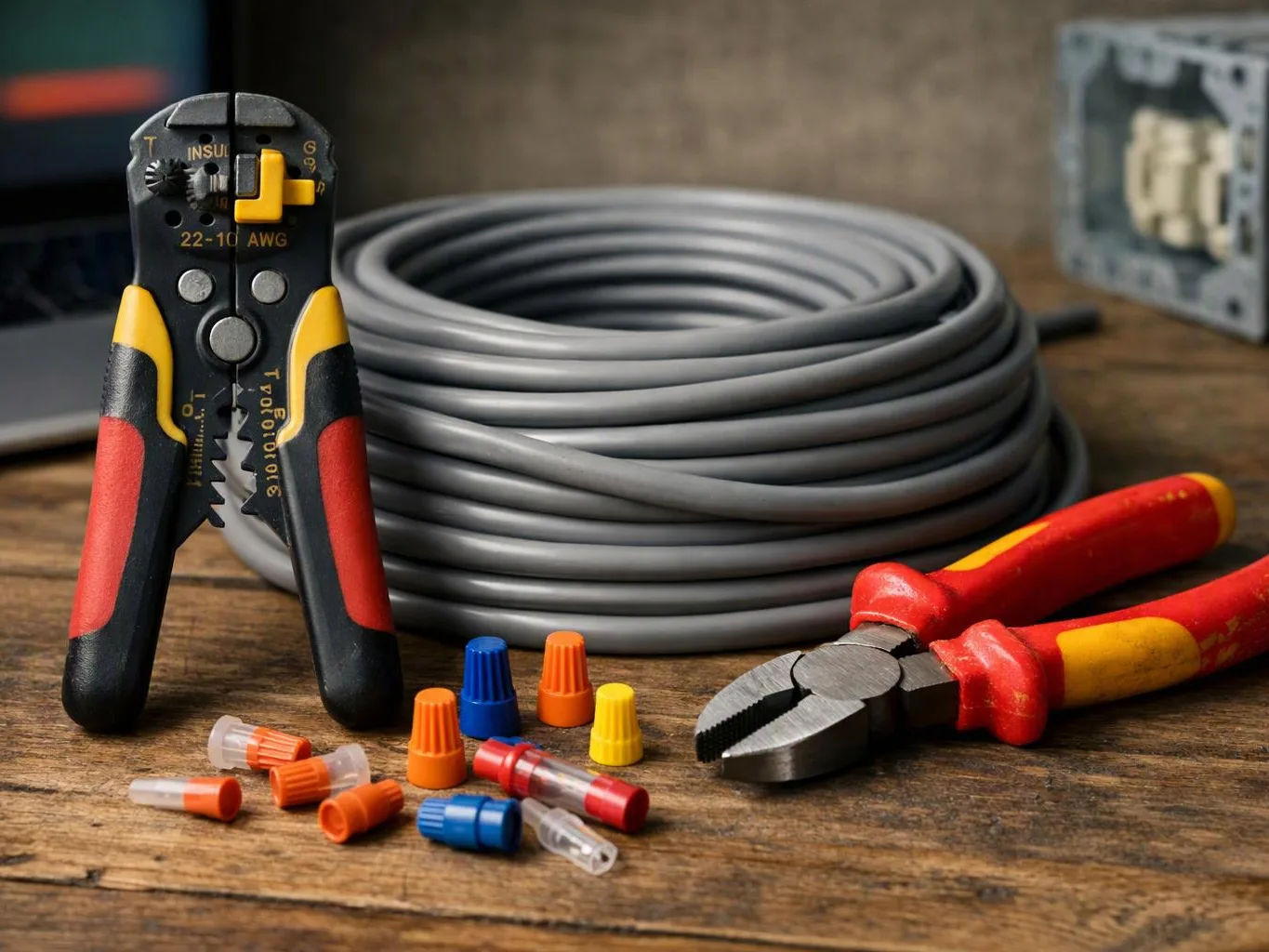
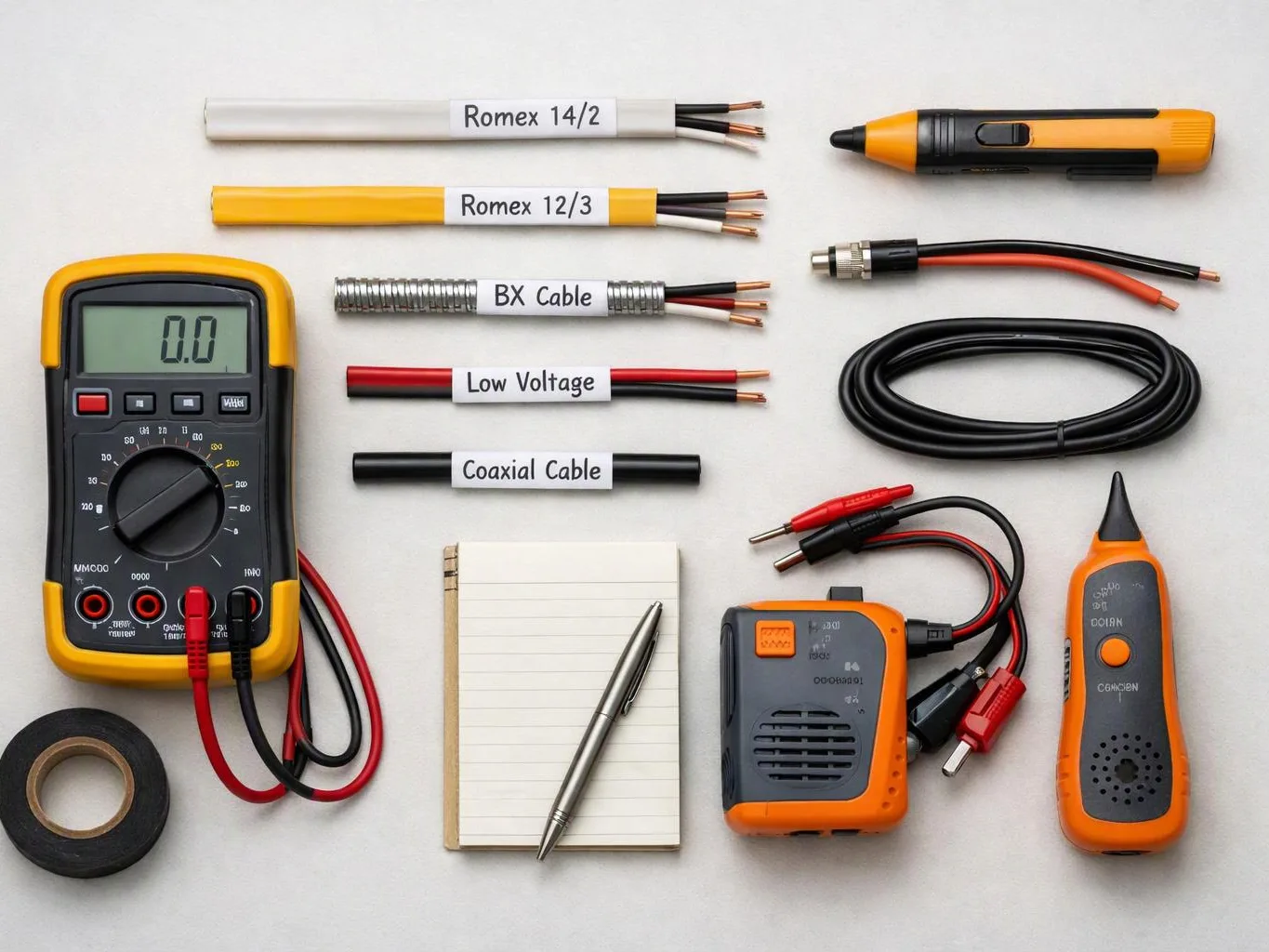
Coaxial cable supports some signal paths, while Ethernet cable, low-voltage wire, speaker wire, or fiber conduit may fit other devices. Center Electric Service reviews each device and route before choosing the wiring. The right option depends on the equipment, distance, access, and whether the connection carries power, data, audio, or control signals.
What should be checked before smart home wiring is scheduled?
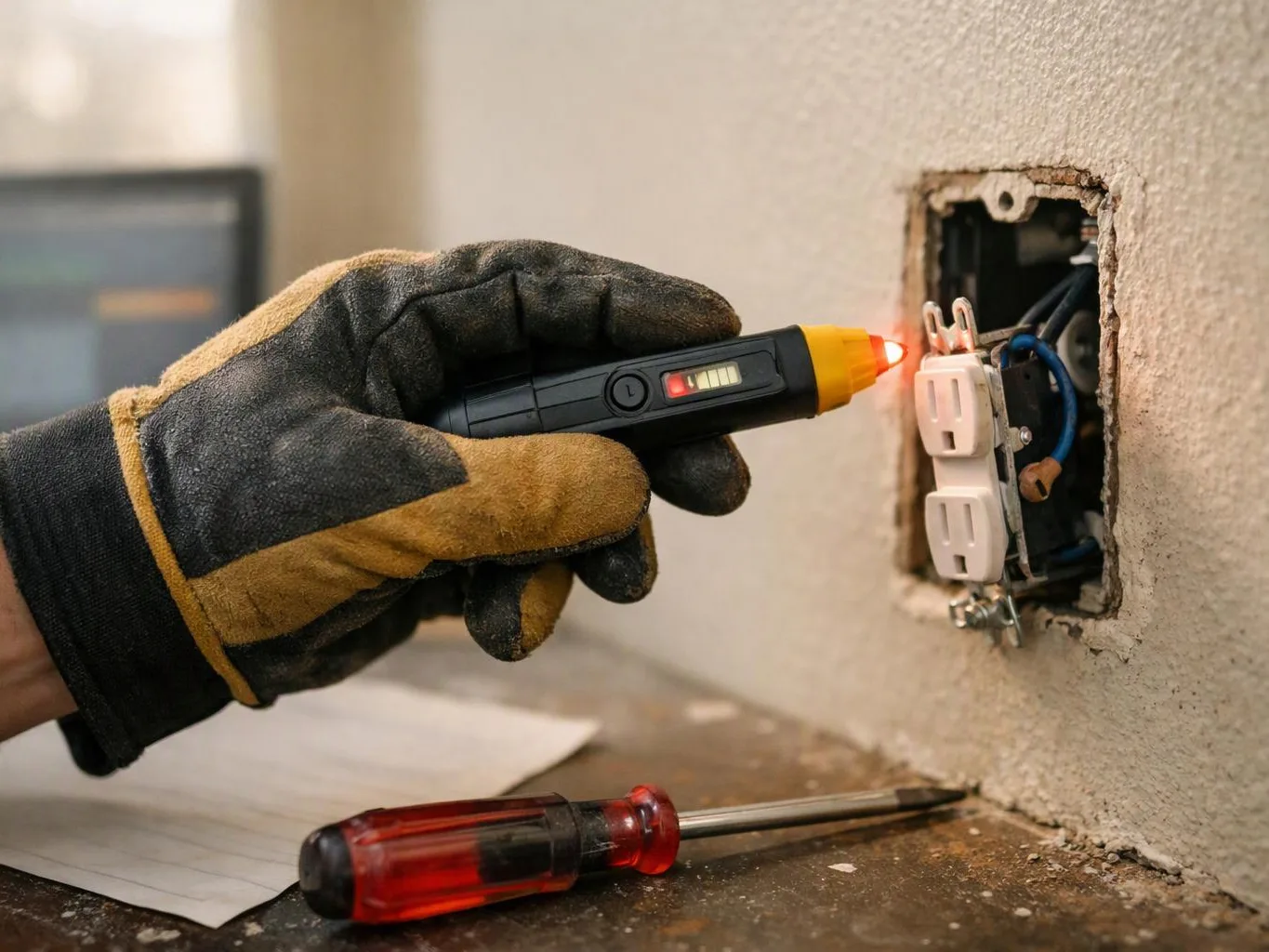
Device locations, cable routes, outlet access, circuit capacity, and wall or ceiling access should be checked first. We also review existing cable ports and any signs of damaged wiring. Photos of the panel, outlets, switches, and planned device areas help us understand the scope before the estimate.
Who is a good fit for smart home wiring, and who needs a different service?
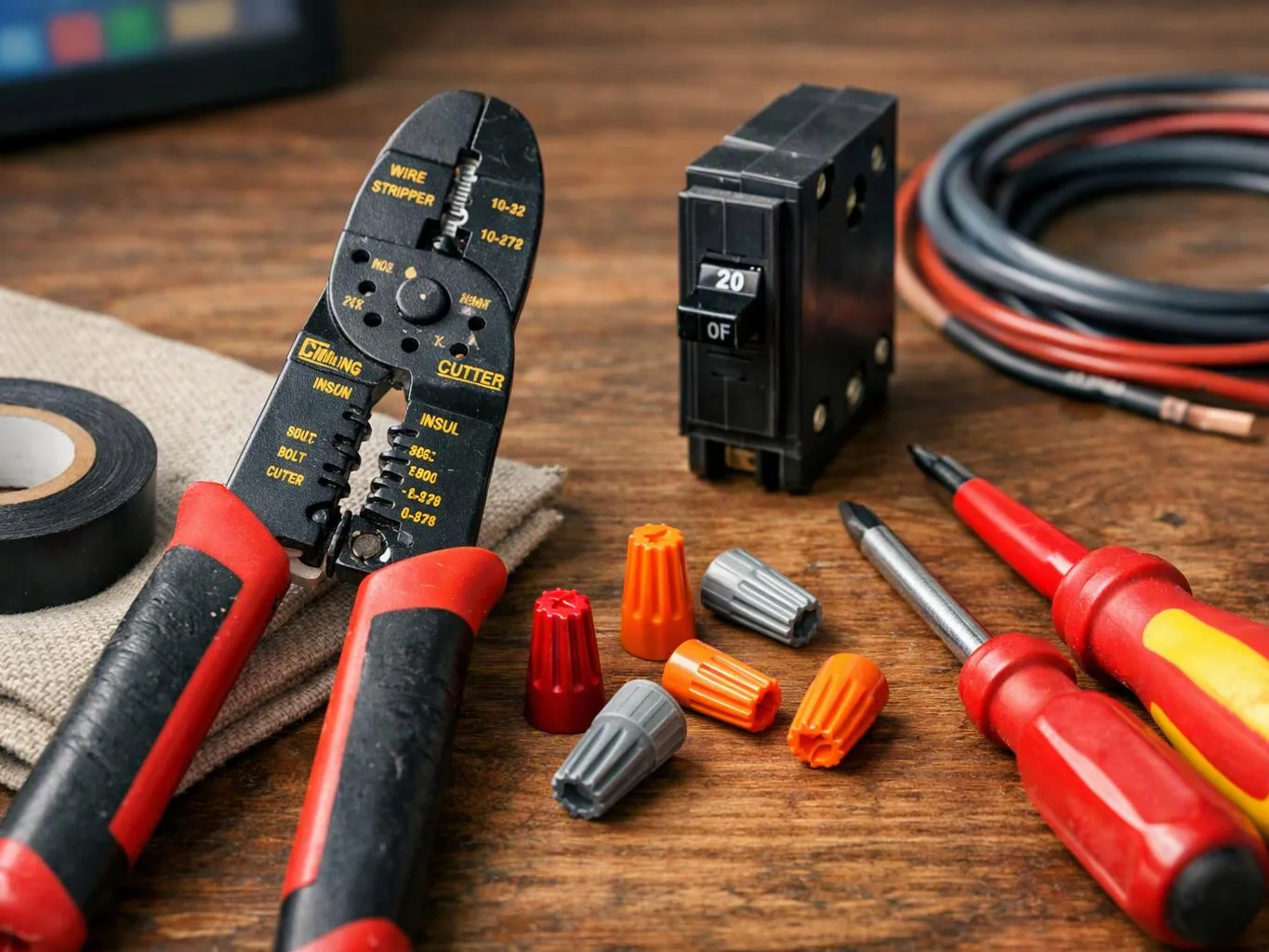
Homeowners, business owners, and property managers planning wired devices are good fits for this service. Center Electric Service also handles related lighting, wiring, panel, outlet, and switch work. A simple device setup with no new cable or electrical change may not need a wiring project.
What happens at each stage of smart home wiring?
The work starts with a device list and a review of existing routes. We then check circuits and access, choose the cable type, set the scope, install the wiring, and test the connections. This sequence helps separate a cable issue from a power issue before the work is complete.
Which part of a connected wiring job changes the estimate?
Cable length, the number of device points, access conditions, and related circuit work change the estimate. Wall or ceiling access can add work, while an existing usable path may reduce it. We review those conditions and provide a free estimate based on the actual project.
Why do smart devices lose connection after installation?
Loose terminations, damaged cable, poor routing, or a weak network path can cause repeated connection loss. Our team checks the cable ends, device connections, route, and nearby electrical conditions. We then explain whether the issue calls for a repair, a new run, or a related circuit correction.